Aurora: A Social Travel Platform
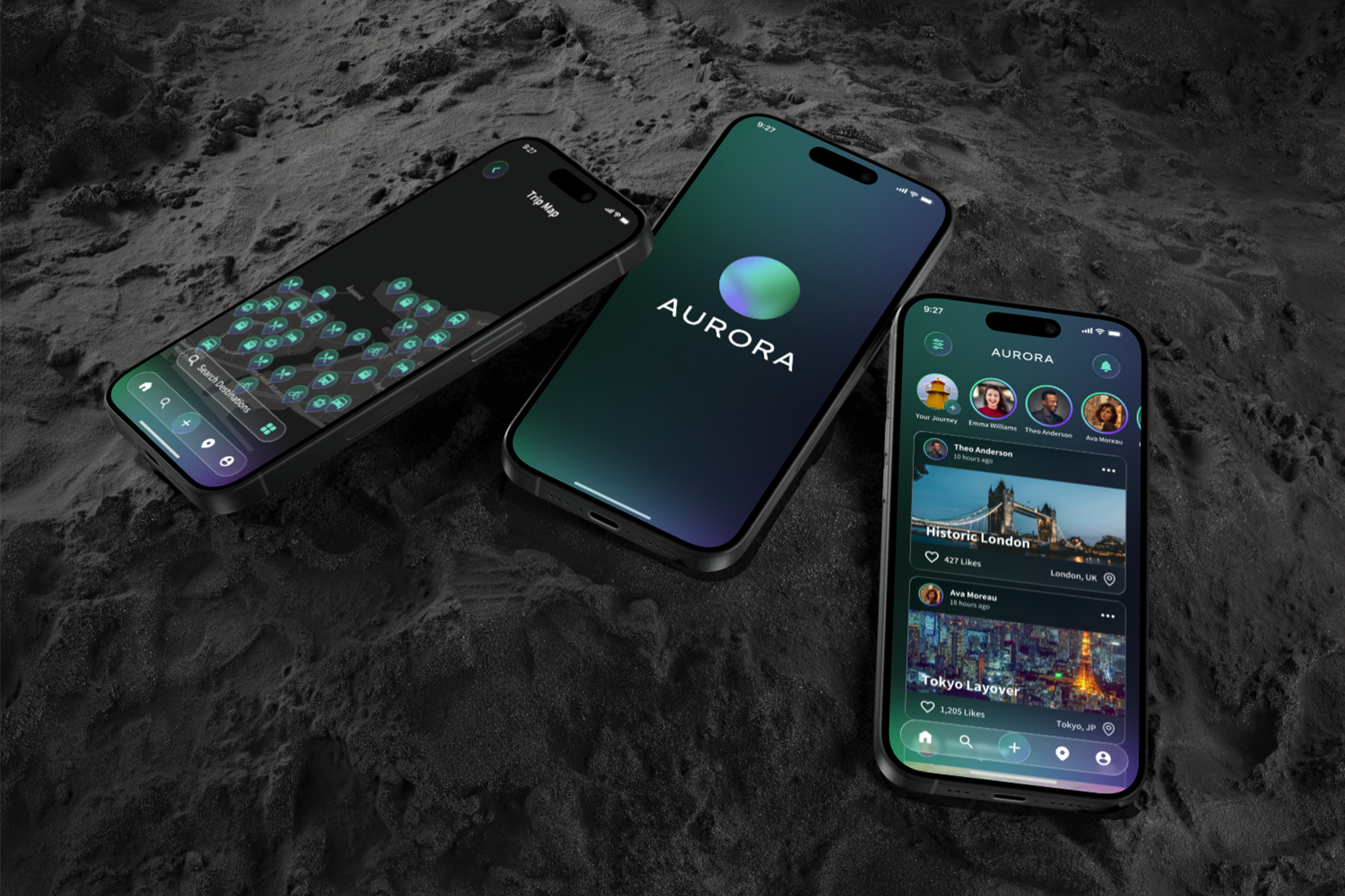
Aurora is a social travel platform designed for both discovering and sharing travel experiences. Rather than treating trips as static posts or isolated recommendations, Aurora allows users to create structured, shareable trips that combine narrative context, visuals, and practical details. By blending social discovery with clear information architecture, the platform enables travelers to both explore new destinations through others and contribute their own experiences in a meaningful, reusable way.
Vertical Social Networks

Users can easily get lost in all of the irrelevant information on generalized social networks. This is a big cause for the growing trend of users moving from generalized social networks to vertical social networks. A vertical social network is a “specifically targeted social network that connects people with very specific interests, hobbies, and passions. In other words, it is a network that caters to a certain category of users who are interested in sharing content and connecting with others over their shared interests” -Ilker Koksal, Forbes
Market of Focus

The Travel & Tourism industry saw a massive increase, post-Covid. It is speculated that by 2026 the global Travel & Tourism industry will rise to 992 billion dollars (USD), a 646 billion dollar increase from 2020.
Market of Focus Continued

The Travel & Tourism industry will not only increase to 992 billion dollars by 2026, but also 73% of total revenue will be generated by online sales. This creates a huge opportunity for a vertical social media built around the Travel & Tourism industry.
Benchmarking

When looking at existing apps designed for travel or social apps that can be used for travel, many insights were gained. Features vs. social aspects were compared on the graph. All apps were very strong in their features provided, but not all encompassing. The strongest contender for having multiple features and social aspects was Roadtripper. The biggest takeaway from this matrix was to pull key features from existing apps to make one all encompassing app. The green circle represents the product area for the Aurora app.
Design Goals
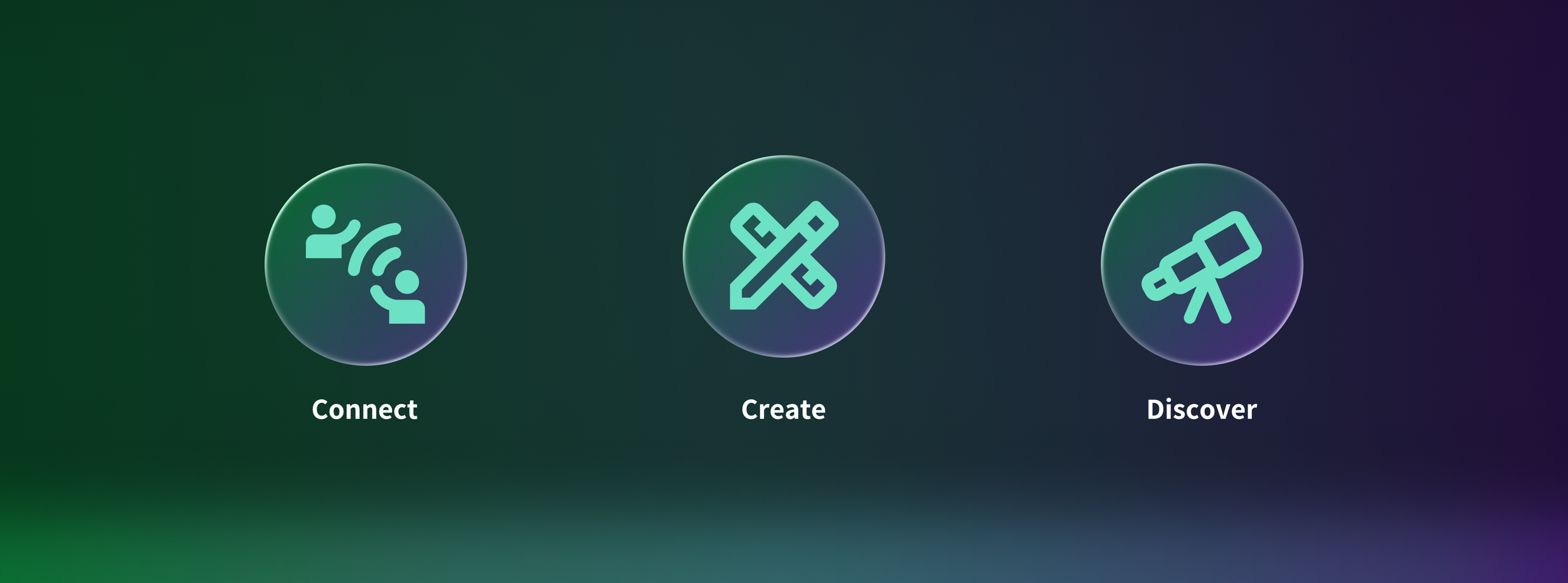
These three goals guided every design decision throughout Aurora. Connect focuses on bringing travelers together through shared experiences, while Create empowers users to build and publish complete trips rather than isolated recommendations. Discover supports exploration by surfacing new destinations through social and curated content. Together, these principles shape a cohesive platform centered on both sharing and discovering travel.
Aurora name and Logo
The name Aurora is directly taken from Aurora Borealis. The logo consists of a sphere with multiple gradients and text below stating the name. The gradients symbolize the Aurora Borealis and the sphere symbolizes the earth. Combined together, it represents how Aurora can take you anywhere.
Navigation Bar
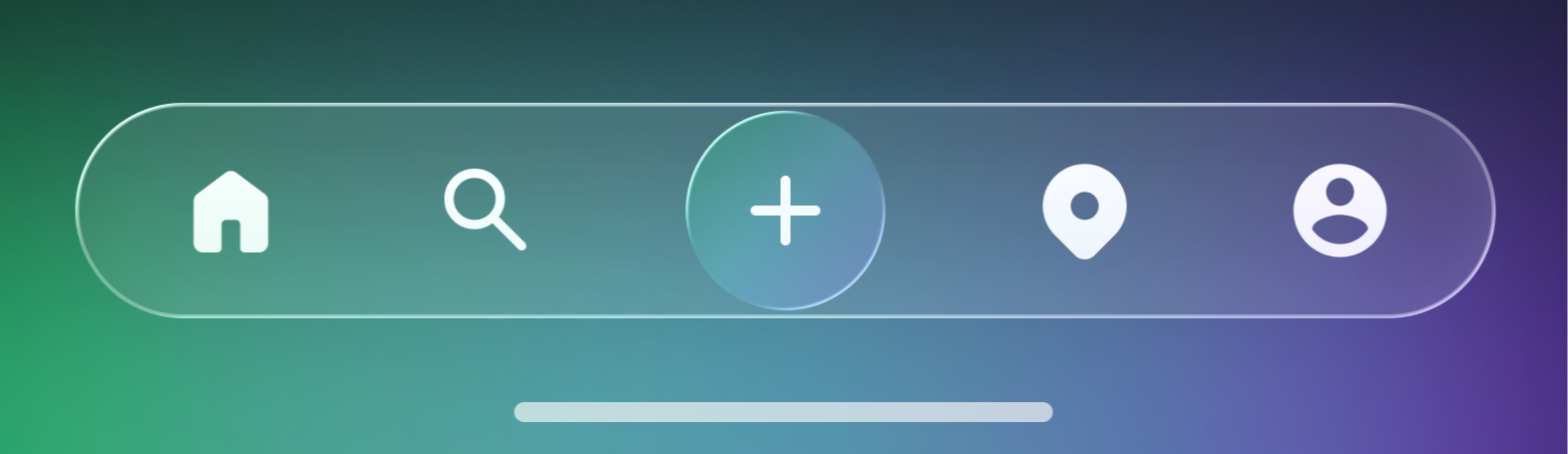
The navigation bar subtly references the Aurora Borealis through a flowing gradient built from the app’s primary color palette. This gradient is contained within a glass UI element, adding depth and visual separation while remaining lightweight across content-heavy screens. The primary create action is emphasized through elevation and contrast, establishing clear hierarchy within the navigation system.
Overview of App
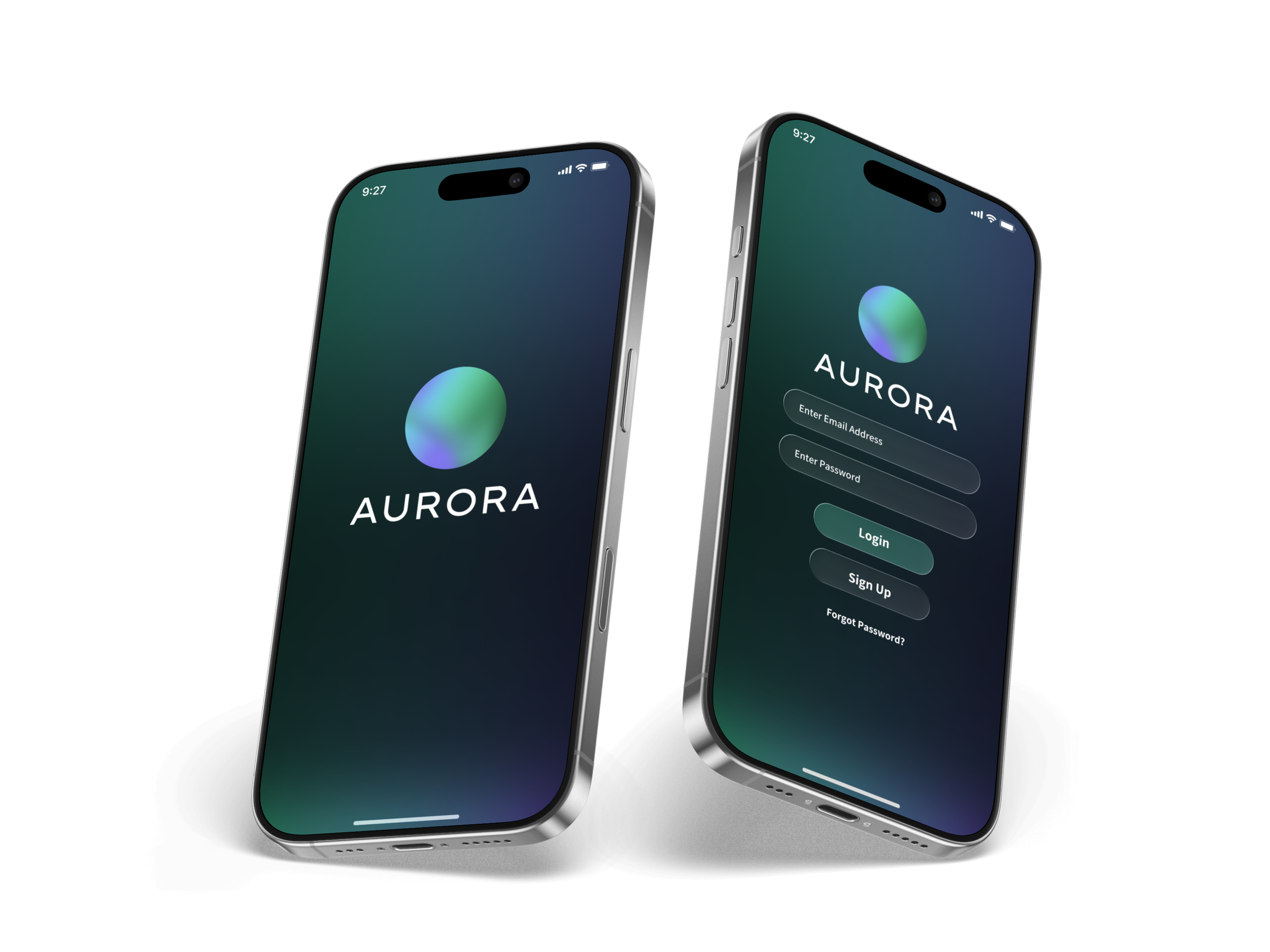
Launch and Authentication
The launch experience establishes Aurora’s identity while guiding users into the app with minimal friction. Users are first introduced to the brand through a clean launch screen featuring the Aurora logo, reinforcing recognition and tone before interaction begins. From there, the authentication flow provides clear, focused paths for logging in or creating an account, with visual hierarchy and spacing used to prioritize the most common actions. Secondary options, such as account recovery, are intentionally de-emphasized but remain easily accessible, ensuring a smooth and intuitive onboarding experience.
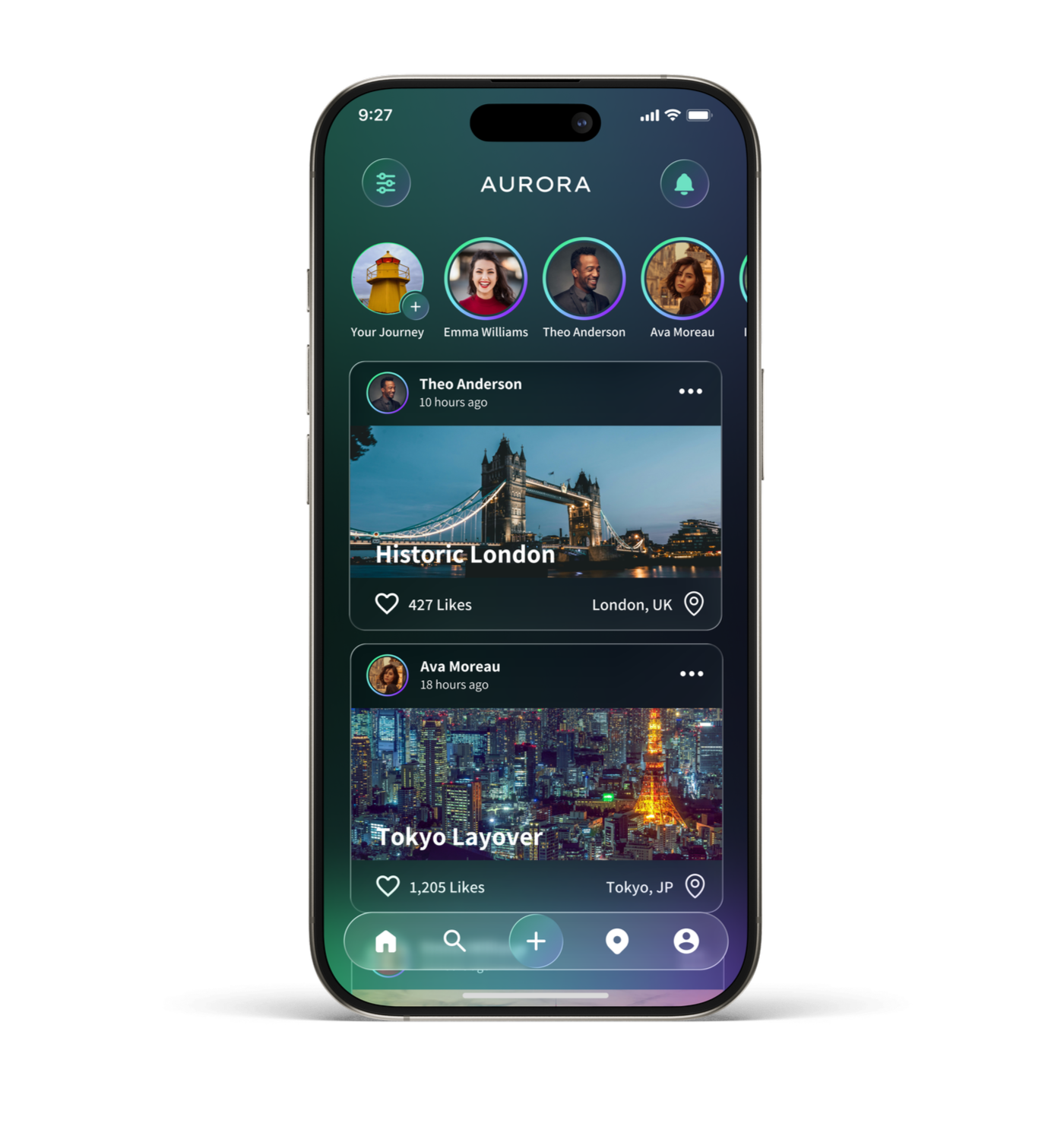
Social Discovery Feed
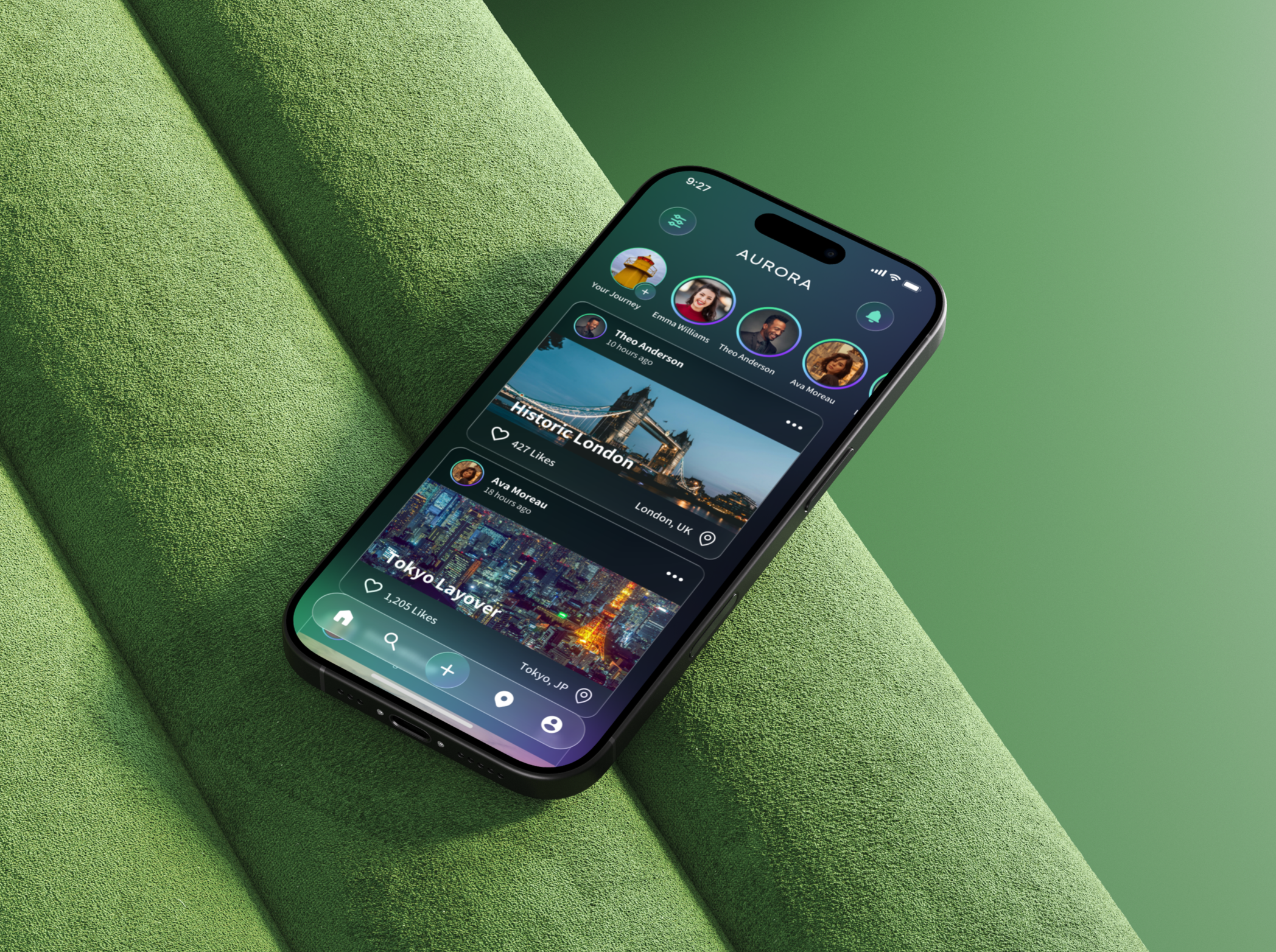
The social discovery feed serves as Aurora’s primary home experience, allowing users to explore trips through the activity of other travelers in a familiar, social-first layout. Inspired by established social platforms, the feed presents trip posts in a vertically scrollable format that highlights destination imagery, creator identity, engagement metrics, and location context. This approach lowers the learning curve while encouraging exploration, inspiration, and interaction. By blending social content with travel discovery, the feed helps users uncover destinations organically through people rather than search alone.
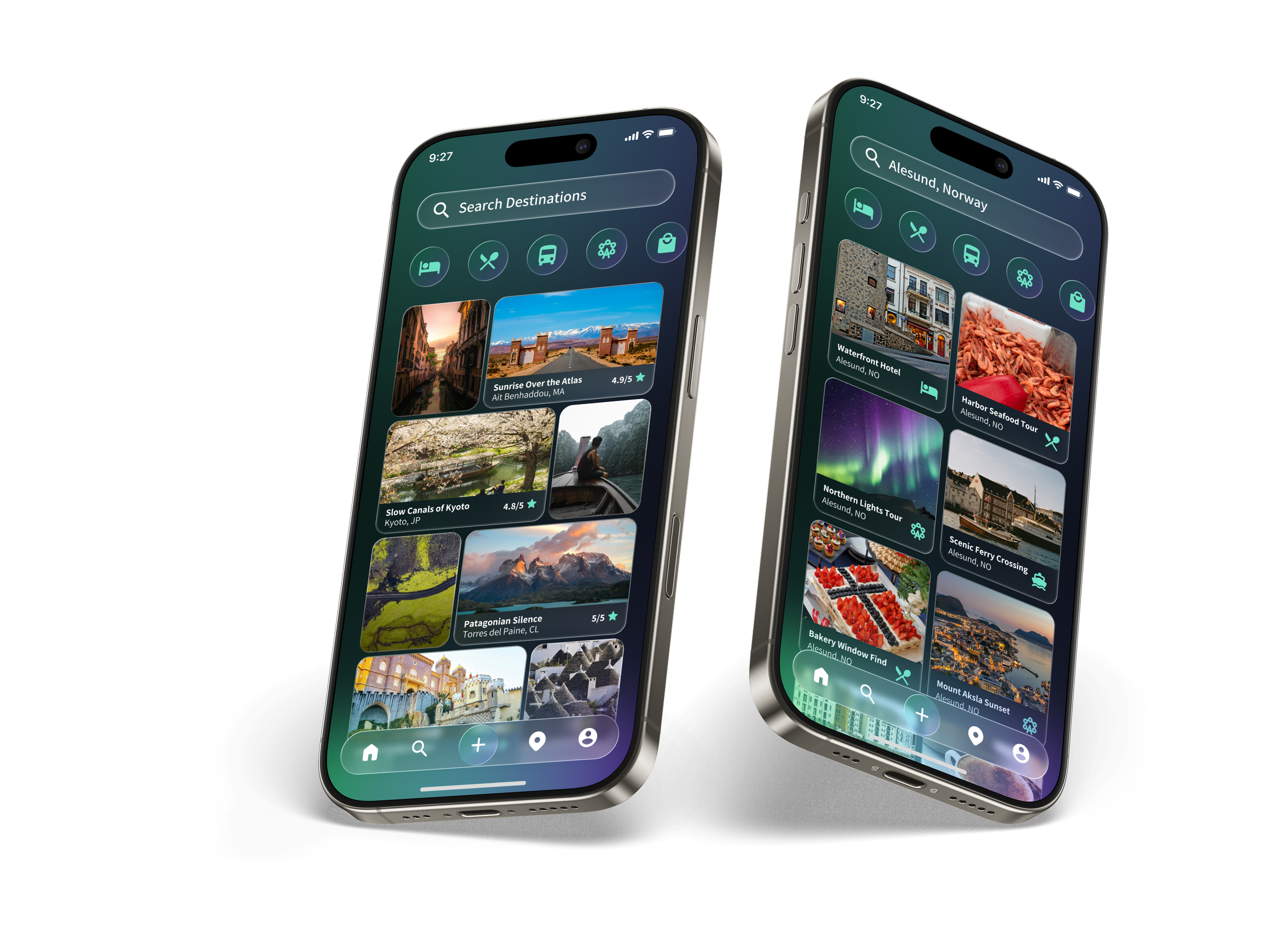
Search and Browsing Trips
The search experience in Aurora is designed to function as both an exploration surface and a precise discovery tool. Upon entry, users are presented with a visually rich, tile-based layout that encourages browsing trips by destination, theme, and activity without requiring immediate input. As users begin typing, the interface transitions into a focused, vertically structured results view, dynamically filtering and prioritizing relevant trips. This progressive shift from inspiration to intent allows users to seamlessly move from casual exploration to targeted discovery while maintaining visual continuity.
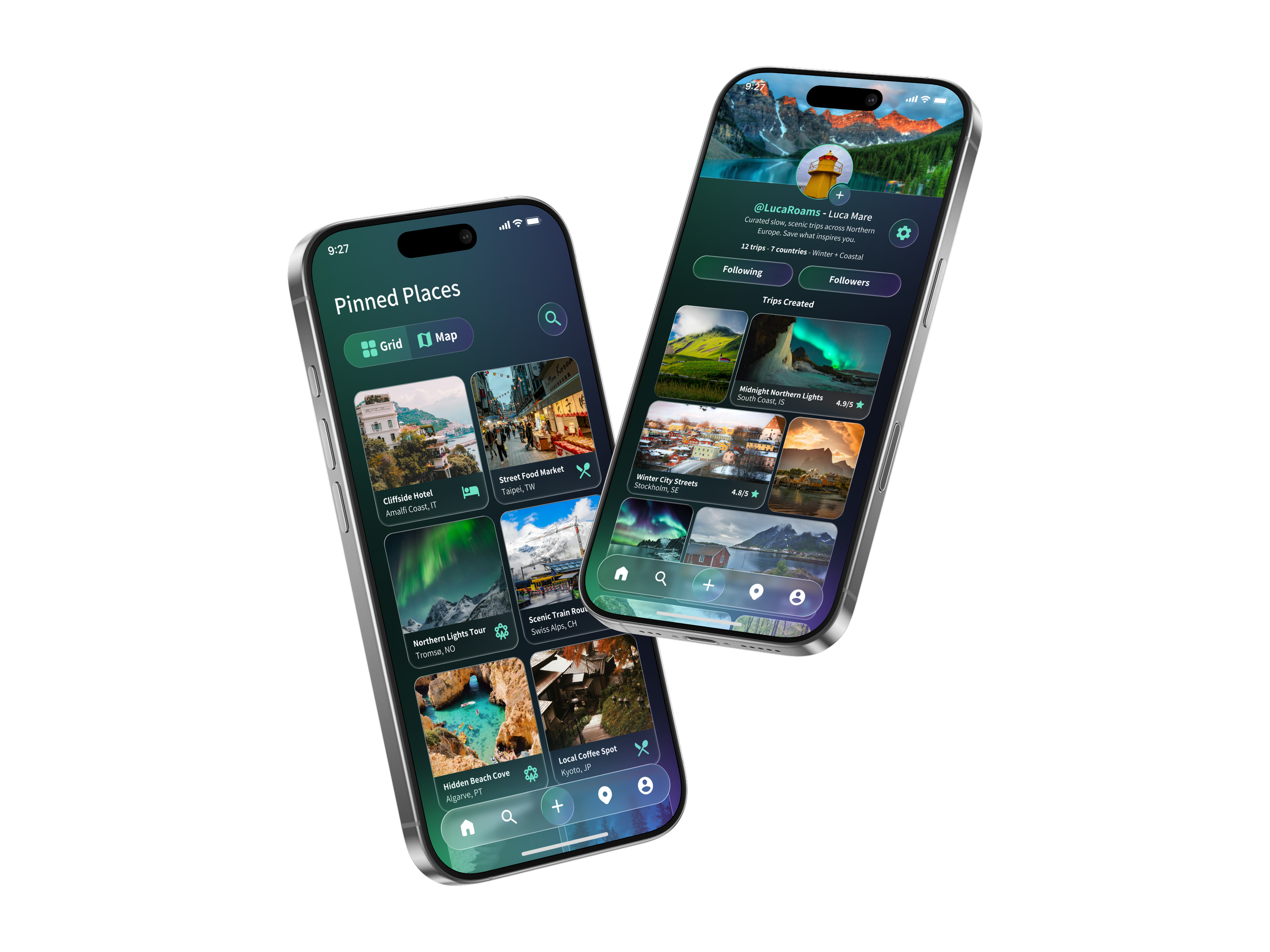
Saved Places and User Profile
The home page is designed to introduce users to trips and others users based on their interests. They can scroll through popular users on the app as well as popular trips. Also promoted trips would appear on this page as well. The settings tab is familiar and allows users to intuitively customize their in-app experience.
Trip Overview (Core Experience)
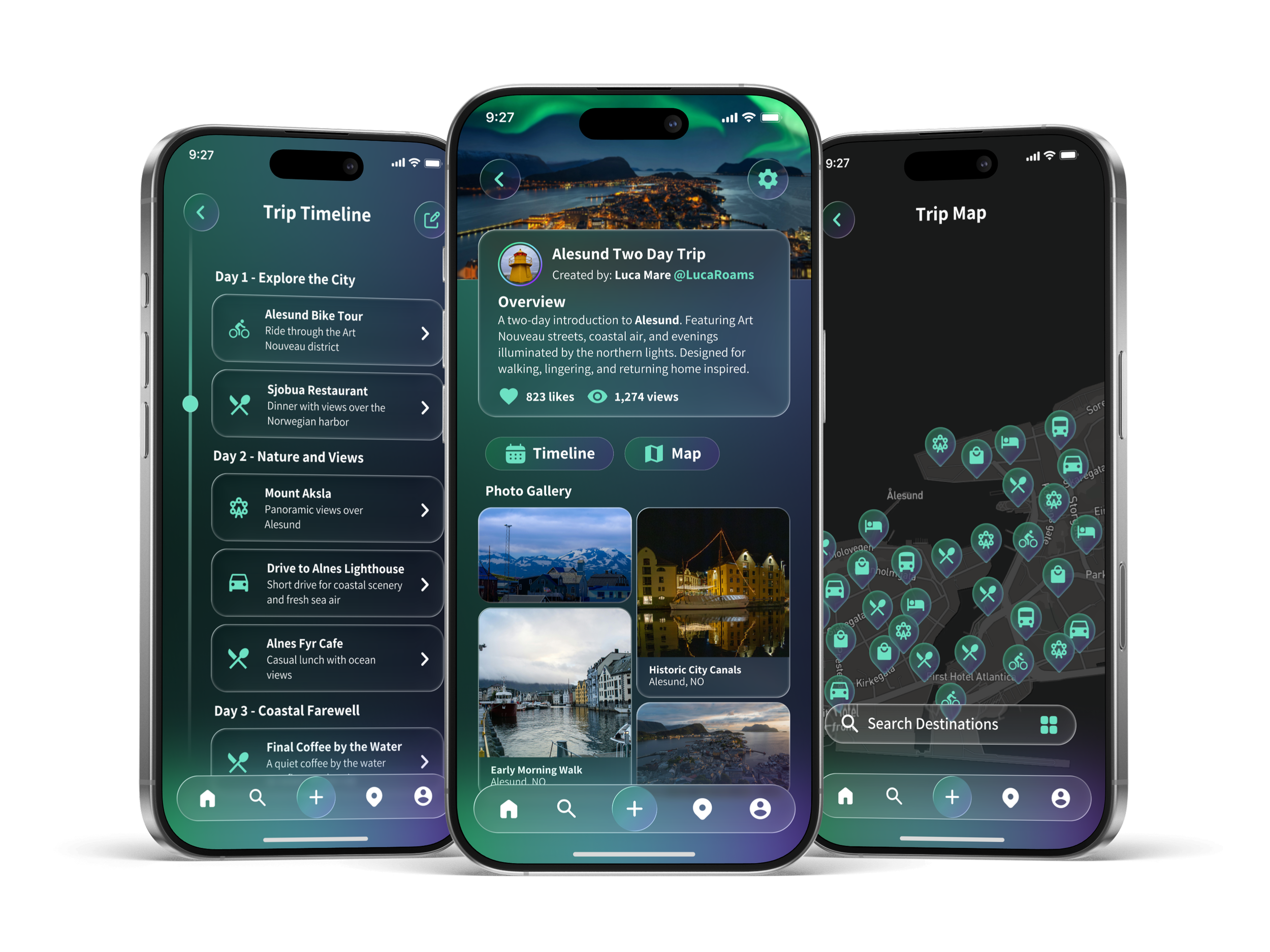
The Trip Overview is the central experience in Aurora, introducing each trip through a hero image, title, and creator attribution. A narrative overview and curated photo gallery provide context and highlight key moments, while the Trip Map and Timeline allow users to explore the experience spatially and chronologically. Together, these views help users quickly understand the scope, flow, and character of a trip before exploring detailed information.
Next Steps
Aurora was designed as a flexible system that can evolve alongside user needs. Future iterations would focus on validating key interactions through usability testing, refining trip creation flows, and expanding social discovery features. Additional work would also explore accessibility considerations, performance optimization, and deeper personalization to support long-term engagement. These next steps would help transition Aurora from a concept into a scalable, real-world product.